Frostrail Discord: How to Join and Find Teammates
Find the official Frostrail Discord through Steam, connect with co-op players, share useful feedback, and follow demo news safely.
How to Find the Official Frostrail Discord
Looking for the Frostrail Discord before your next trip into the frozen wasteland? Finding the right community gives you a place to connect with other players, discuss survival strategies, and share feedback while the game develops. The safest route to the Frostrail Discord is through the developer’s Steam announcements—not an unverified invite posted by a stranger.
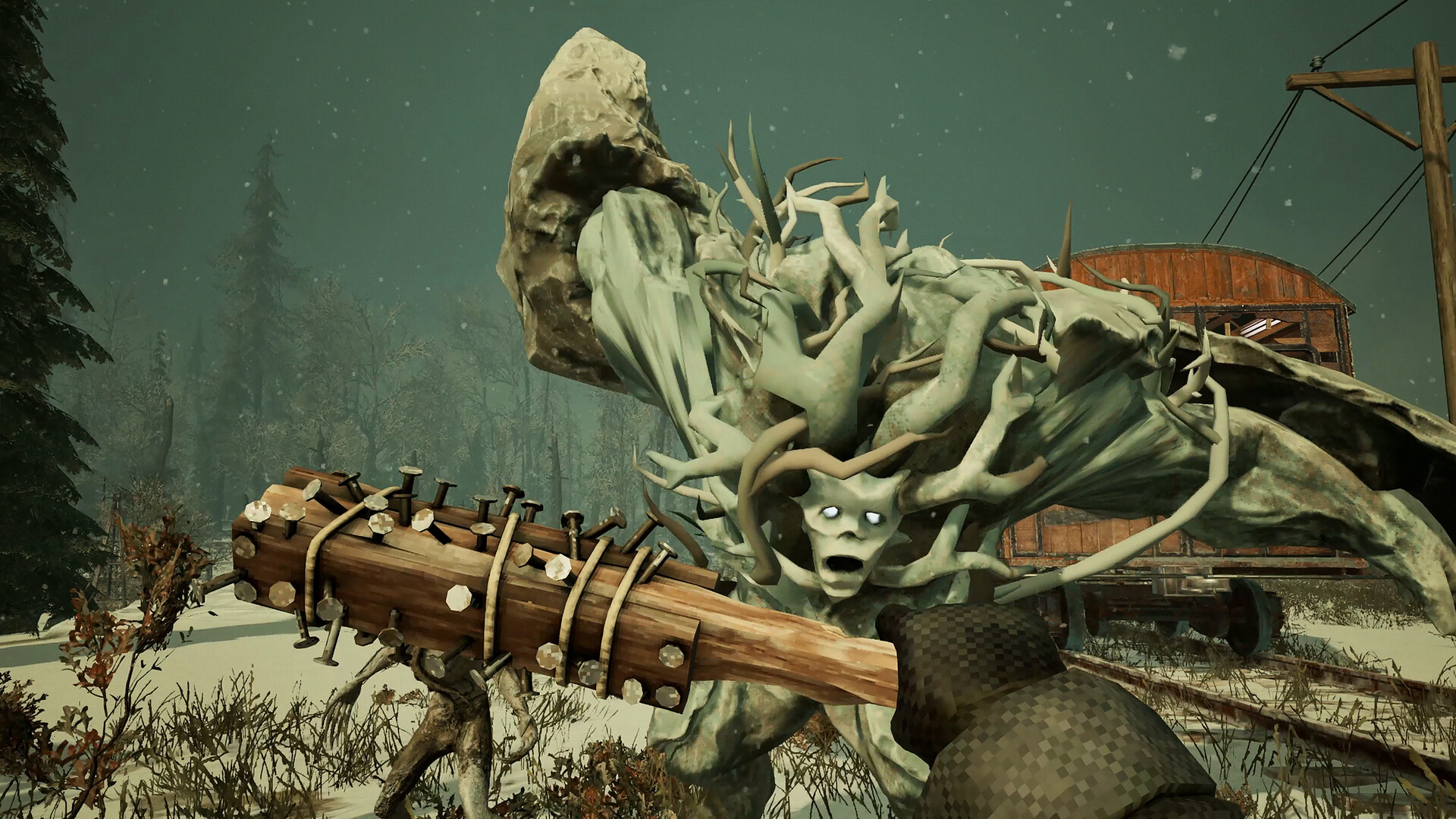
Official screenshot · Source: Steam store
As of October 20, 2026, the official October 19 demo announcement explicitly invites players to join the Discord server. However, the available reference material does not expose the complete invite URL. Rather than guess a discord.gg address, use the original announcement to reach the developer-posted link.
Follow the developer-posted invitation
- Open the official Frostrail Steam Community hub.
- Find the October 19 announcement titled “Frostrail Demo Out Now!”
- Scroll toward the end, where the team asks players to join Discord and complete the demo survey.
- Click the Discord-linked image or invitation in the original post.
- Review the server preview before accepting, then read any rules or onboarding instructions shown after joining.
The October 7 demo announcement also includes a Discord-linked image, giving you another official post to check.
| Step | What to look for | Why it helps |
|---|---|---|
| Start on Steam | Frostrail’s official community hub | Establishes a reliable starting point |
| Open the announcement | October 19 demo launch post | Contains the team’s invitation to Discord |
| Follow the original link | Discord-linked image or invitation | Avoids guessing an invite code |
| Review the destination | Server preview and available identifying details | Helps catch an obviously unrelated destination |
| Complete onboarding | Any displayed rules or access prompts | Helps you understand how participation works |
If the invitation fails, return to newer official announcements and look for an updated link. An expired invitation does not necessarily mean the community has closed.
What the Frostrail Community Offers Players
Frostrail is a survival crafting FPS built around keeping a steam-powered train running through a frozen, corrupted world. You explore abandoned settlements, collect supplies, craft equipment, and fight threats such as Revenants.
That combination creates plenty to discuss: whether to stop for resources, how to prepare for combat, and which train improvements deserve attention first. The Frostrail Discord provides a developer-promoted place to join that conversation.
The official announcement confirms the invitation to chat with the team. It does not document the server’s exact channel list, moderation structure, voice rooms, or support process. Treat the activities below as useful ways to participate where the server’s rules and organization allow them—not as a verified directory of available channels.
| Your goal | Useful community activity | What to include |
|---|---|---|
| Find co-op partners | Post a clear session invitation | Time zone, start time, open slots, and playstyle |
| Get gameplay help | Ask a focused question | Objective, location, and what you already tried |
| Discuss an issue | Describe a reproducible problem | Game version, solo/co-op status, and steps |
| Share impressions | Explain what worked or felt frustrating | A specific example and its effect on your session |
| Follow development | Read official announcements | Publication date and whether the post concerns a demo or release |
Community milestones are not Discord membership numbers
The developers reported more than 70,000 participants in the previous playtest and announced 500,000 Steam wishlists in their September 8 update.
Those figures show substantial interest in Frostrail, but neither measures Discord membership. They also do not establish concurrent player counts, current server activity, or how quickly someone will answer your question.
The practical takeaway is simpler: there is an established audience discussing the game, so make your questions easy for others to understand. Search existing conversations first, add relevant details, and avoid repeatedly posting the same request.
Find Co-op Teammates Without Wasting a Session
The official demo announcement confirms that Frostrail supports solo play or co-op with up to four players. If you are organizing a full group, that means you plus three teammates.
A useful Frostrail Discord recruitment post should answer the questions people would otherwise have to ask individually. “Anyone playing?” is quick to type, but it tells potential teammates almost nothing about your session.
Use a specific recruitment message
For example:
Looking for two players for a relaxed Frostrail demo session tonight at 8 p.m. Eastern. We’re learning the systems, exploring carefully, and avoiding story spoilers. Planning to play for about 90 minutes. Please reply with your availability and whether you prefer voice or text coordination.
This example establishes timing, available spaces, expectations, and communication preferences without assuming any particular Discord channel exists.
| Detail | Helpful example | Problem it prevents |
|---|---|---|
| Start time | “8 p.m. Eastern” | Confusion across time zones |
| Available spaces | “Two slots open” | Too many people joining the same plan |
| Session length | “About 90 minutes” | Mismatched expectations about commitment |
| Experience | “First demo run” | Mixing blind exploration with speed-focused play |
| Spoiler preference | “No progression spoilers” | Unwanted explanations of discoveries |
| Communication | “Voice preferred” | Last-minute coordination problems |
Agree on priorities before departing
A short conversation before playing can prevent avoidable frustration. Decide whether your group wants to explore thoroughly, push forward quickly, or test particular systems.
You can also suggest flexible responsibilities:
- Train upkeep: Someone watches the group’s transport needs and flags maintenance priorities.
- Scavenging: Players coordinate searches rather than unknowingly checking the same spots.
- Crafting: The group discusses supply needs before spending shared resources.
- Threat awareness: Someone calls attention to enemies or a possible retreat.
These are organizational suggestions, not official character classes or mandatory roles. Rotate responsibilities if everyone wants to experience the full game.
Finally, agree on a clear regrouping signal. A simple “back to the train” call is more useful than several overlapping conversations when an expedition turns dangerous.
Share Feedback That Other Players Can Use
The developers explicitly request player feedback, both through community discussion and a post-demo survey. The Frostrail Discord can be a useful place to discuss your experience, but follow any posted instructions about where formal reports belong.
The October 19 announcement describes several changes made after the previous playtest. These include improved melee impact feedback, revised stamina consumption, additional dismantling sounds, easier train boarding, and better visibility through train windows.
Those changes demonstrate why specific observations are valuable: they identify something the team can investigate or adjust.
Separate bugs, questions, and preferences
Before posting, decide what kind of feedback you have:
- Possible bug: Something appears to behave inconsistently or fail.
- Clarity problem: You cannot tell what the game expects you to do.
- Balance feedback: A working system feels too easy, too punishing, or too costly.
- Personal preference: You would enjoy a different presentation or playstyle.
These categories can overlap, but naming the main issue helps readers respond appropriately.
| Feedback field | What to write | Why it matters |
|---|---|---|
| Context | Demo version, solo or co-op, and relevant setup | Distinguishes different testing conditions |
| Expected result | What you thought would happen | Explains your understanding of the system |
| Actual result | What happened instead | Defines the problem clearly |
| Reproduction steps | Actions leading up to the issue | Helps others check the behavior |
| Frequency | Once, occasionally, or every attempt | Shows whether the issue is consistent |
| Evidence | Screenshot or short clip, when appropriate | Adds context that text may miss |
A useful report might say: “During a solo demo session, I returned to the menu after exploring a settlement. When I resumed, recent progress appeared to be missing. I’m unsure whether I missed a save requirement.”
That is more actionable than declaring the entire saving system broken.
Treat player reports as reports, not confirmed findings
Community reports visible on Steam include concerns about saving, confusion over a boarded basement entrance, and dissatisfaction with aspects of combat or resource gathering. These are individual player experiences, not verified explanations of how every session behaves.
If you encounter something similar, describe your own circumstances. Avoid reposting another person’s complaint as an established bug or promising a workaround you have not tested.
For broader impressions, use the demo survey linked in the official announcement. Community discussion and structured survey responses serve different purposes, and both can help communicate what players need.
Follow Demo News and Use Invites Safely
According to the official announcements, the Steam Next Fest demo is scheduled for October 19–26, 2026. As of this article’s October 20 publication date, that announced window is underway.
Demo access should not be confused with a confirmed Early Access launch date. The October 19 post discusses gathering feedback ahead of Early Access, but the supplied announcements do not establish a specific release date.
| Announcement | Confirmed information | What it does not establish |
|---|---|---|
| September 8 update | Previous closed beta ended; 70,000+ playtesters and 500,000 wishlists reported | Current Discord membership |
| October 7 update | Demo scheduled for October 19–26 | Permanent demo availability |
| October 19 update | Demo launch announced; solo and up-to-four-player co-op described | A specific Early Access release date |
| October 19 feedback request | Players invited to Discord and the demo survey | Guaranteed individual developer responses |
When using the Frostrail Discord, check announcement dates before sharing information. An older playtest instruction may no longer apply to the current demo.
Basic account safety matters, too:
- Start from developer-posted links rather than unsolicited direct messages.
- Never share passwords, recovery codes, or authentication tokens.
- Do not install unfamiliar software because someone claims it is required for community access.
- Treat unexpected payments, giveaways, and “exclusive access” offers cautiously.
- Follow posted moderation guidance when reporting suspicious behavior.
A familiar server name or icon alone is not proof of authenticity. Following the invitation from the official Steam announcement gives you a stronger starting point than trusting a copied logo.
Frostrail Discord FAQ
Where can I find the official Frostrail Discord link?
Open the official Steam Community hub and find the October 19 “Frostrail Demo Out Now!” announcement. It includes the team’s invitation and a Discord-linked image. The available reference material does not reveal the full invite code, so use the original post rather than a guessed address.
Can I find teammates for four-player co-op?
You can use community discussion to look for interested players, following the server’s rules. Frostrail officially supports up to four players total. Include your time zone, available spaces, session length, and preferred pace to make matching easier.
Is joining Discord required to play Frostrail?
The supplied announcements present Discord as an optional community destination, not a stated requirement for playing. Check the current Steam information for access requirements and demo availability.
Should I submit feedback on Discord or through the survey?
Use the post-demo survey for structured impressions, and follow any Discord instructions for discussion or issue reporting. Whichever route you choose, explain what happened, why it affected your experience, and what you expected instead. Specific feedback is more useful than a rating alone.
Related Guides
Frostrail news: Demo Dates, Co-op, and Latest Updates
Catch up on Frostrail news: the October 19–26 Steam demo, four-player co-op, combat improvements, community milestones, and Early Access status.
Frostrail reddit: Where to Find Players and Updates
Looking for Frostrail reddit discussions? Find community channels, demo details, player feedback, and tips for getting reliable answers.
Frostrail block on track: How to Clear the Way
Clear a Frostrail block on track with a crowbar or damage. Learn the crafting recipe, tutorial sequence, and checks for a train that won't move.
Frostrail early access date: Q4 2026 Launch Guide
Check the Frostrail early access date window, October demo schedule, co-op details, PC requirements, and what to expect before launch.
Frostrail Android: Release Status and APK Safety
Is Frostrail on Android? Get the mobile release status, understand TapTap listings, and learn how to check APK claims before downloading.